HOMCOM
Dual Monitor Stand | 2 Screens up to 32 Inch | Height Adjustable, Tilt, Swivel & 360° Rotation | 20kg Capacity | Black Steel
Dual Monitor Stand | 2 Screens up to 32 Inch | Height Adjustable, Tilt, Swivel & 360° Rotation | 20kg Capacity | Black Steel
Couldn't load pickup availability
Two Screens, More Room to Work
Keep your spreadsheet on one screen and your notes on the other, without two monitor bases taking over the desk. This black steel dual monitor stand supports two compatible screens up to 32 inches and 10kg each, bringing them together on a single desk-mounted support. Adjustable positioning helps you arrange your workspace around the way you work, whether you are comparing documents, joining a meeting or settling into a study session.
Why You'll Love It
- A clearer desktop. Raising compatible monitors onto the arms removes the need for their separate desktop feet, leaving more usable space for your keyboard, notebook and everyday essentials. Cable-routing clips along the arms help keep leads together.
- Find your preferred viewing position. Height adjustment, tilt and swivel let you tailor the screen arrangement, while 360° rotation allows landscape or portrait orientation. Read a long document vertically or angle your screens for side-by-side work.
- Support for a two-screen setup. The steel structure carries up to 10kg per arm, with a 20kg overall limit. Supplied mounting options include a C-clamp and grommet arrangement, allowing installation on a suitable compatible desk.
A Workspace That Fits Your Day
Start with your calendar beside your inbox, then turn a screen into portrait mode when it is time to review a longer document. With the screens lifted and cables gathered along the arms, the desk feels less crowded and there is room to keep the things you actually use close at hand. The simple black finish blends into a home office, study corner or gaming desk without adding a bulky shelf beneath the monitors.
Specifications
Colour: Black
Material: Steel
Overall dimensions: 87.2W × 7.8D × 54Hcm, as supplied
Screen support: 2 compatible monitors, each up to 32 inches
Maximum load: 10kg per arm; 20kg total
Adjustment: Height, tilt, swivel and 360° screen rotation
Screen orientation: Landscape or portrait, subject to screen clearance
Mounting: C-clamp or grommet installation on a suitable desk
Assembly: Required
Item Ref: 923-065V00BK
In The Box
- 1 × Dual monitor stand
- 1 × Manual
Monitors, desk, cables and other display accessories are not included.


Compatibility, Installation & Care
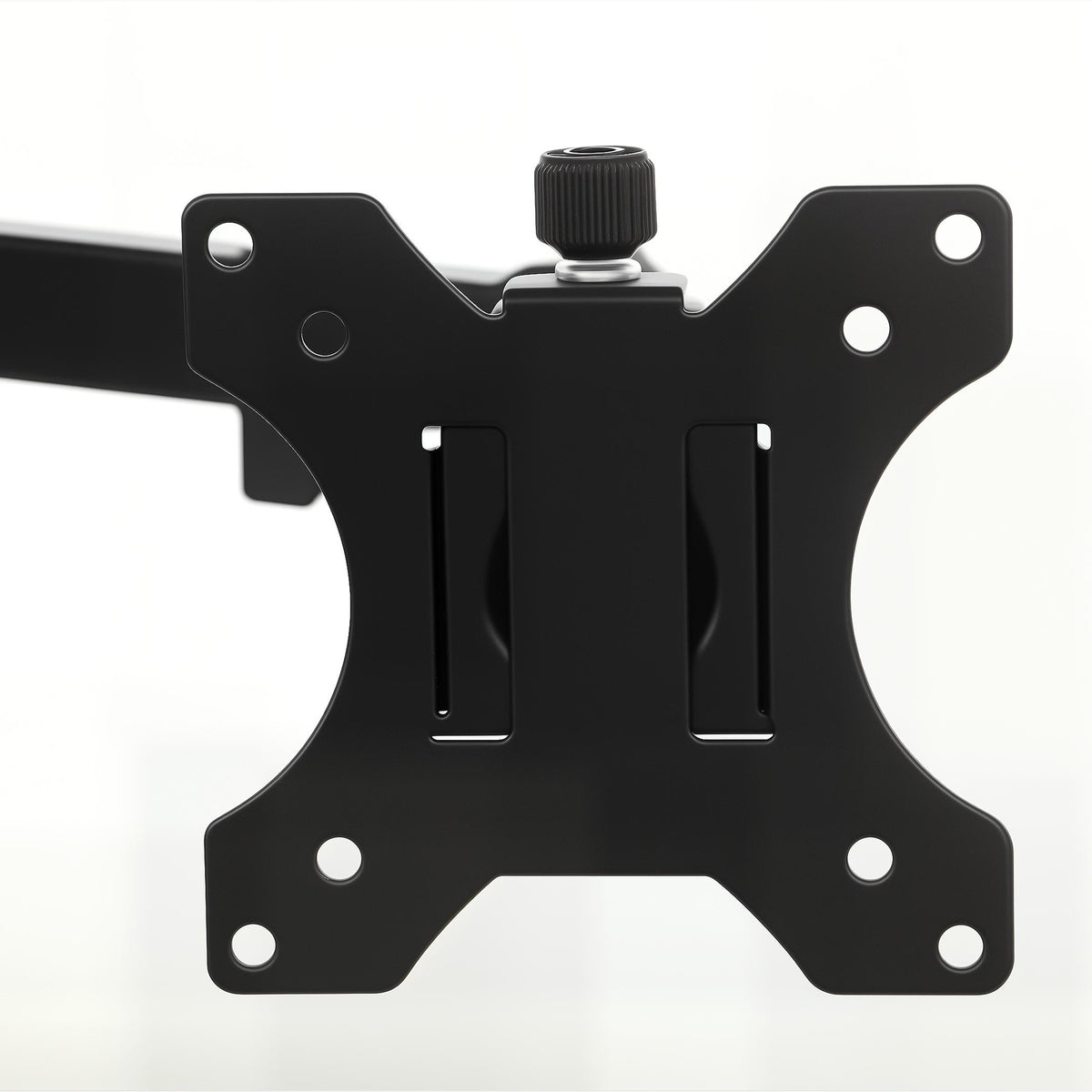
Check your monitors' mounting-hole pattern, weight without the original stand and rear-panel clearance before ordering. Screen size alone does not establish compatibility. Mounting-hole spacing, supported desktop thickness, grommet-hole requirements and exact adjustment ranges have not been supplied; confirm these against the manufacturer's instructions for your setup.
Fit only to a desk capable of supporting the mount and both screens. Follow the assembly manual, secure all fixings and do not exceed either load limit. Support the monitors when adjusting the arms, leave enough cable slack for movement and check fixings periodically. Wipe with a soft, dry cloth.