CarLinKit
CarlinKit CPC200-Tbox Basic | Wireless CarPlay & Android Auto AI Box | Android 11 | 2GB+16GB | Qualcomm | 5G WiFi | Netflix YouTube IPTV
CarlinKit CPC200-Tbox Basic | Wireless CarPlay & Android Auto AI Box | Android 11 | 2GB+16GB | Qualcomm | 5G WiFi | Netflix YouTube IPTV
Couldn't load pickup availability
Wireless CarPlay. Android Apps. One Tiny Box.
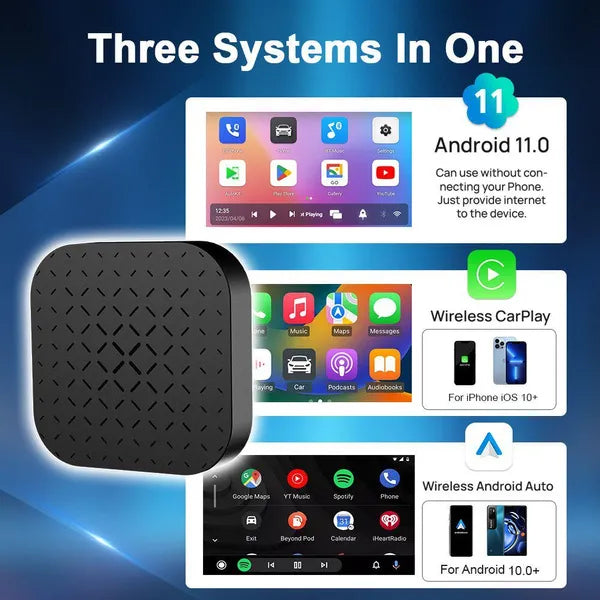
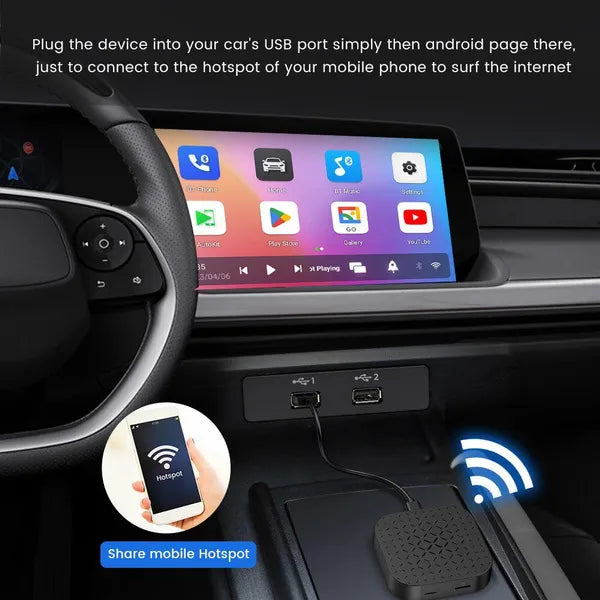
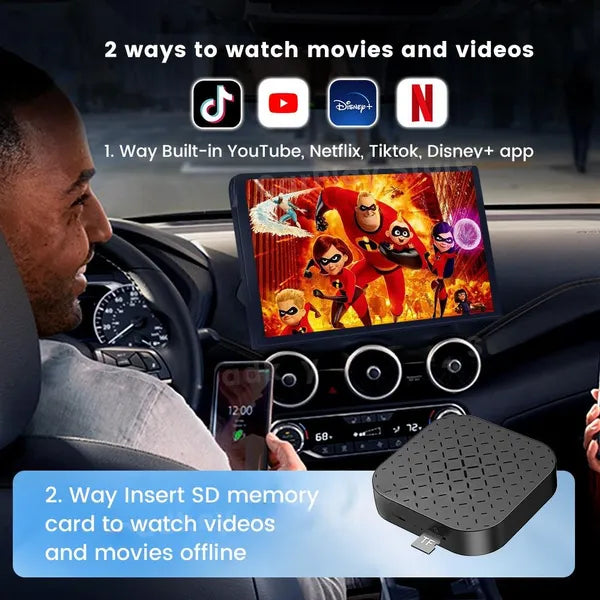
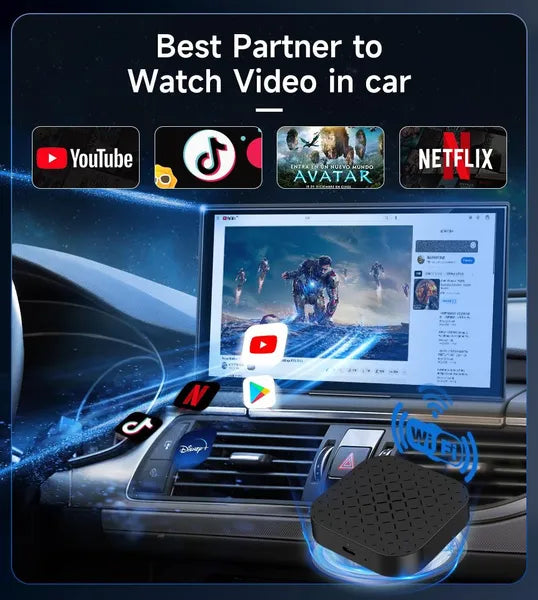
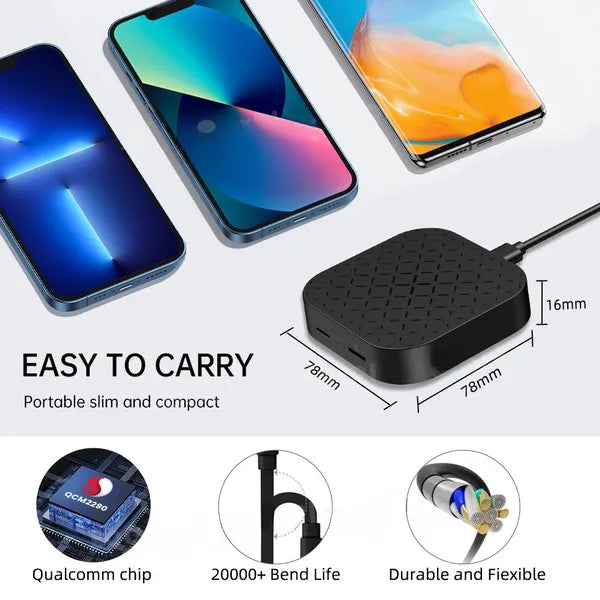
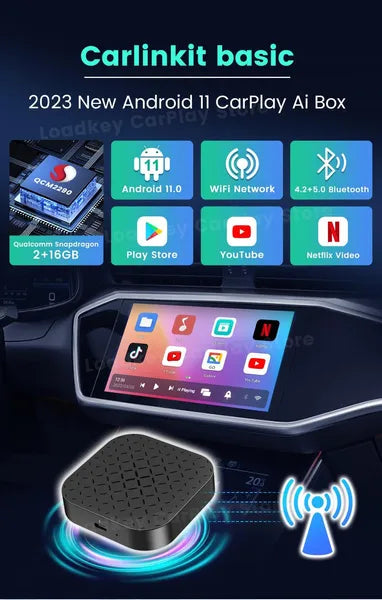
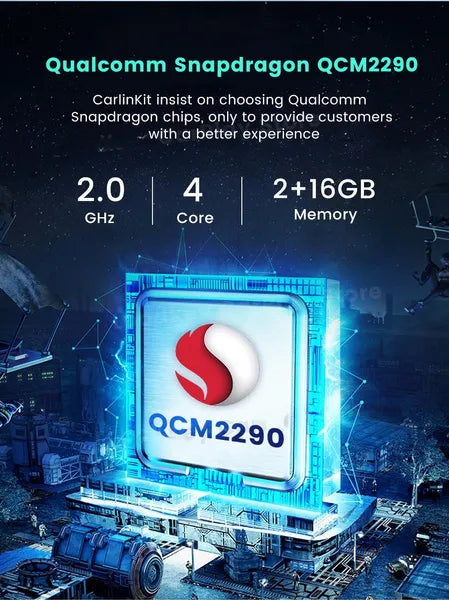
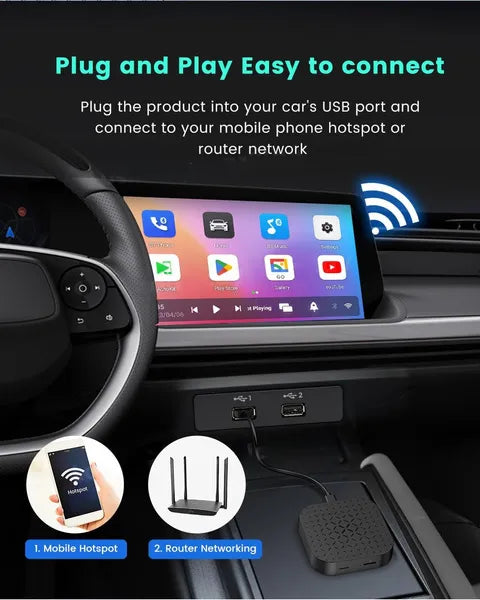
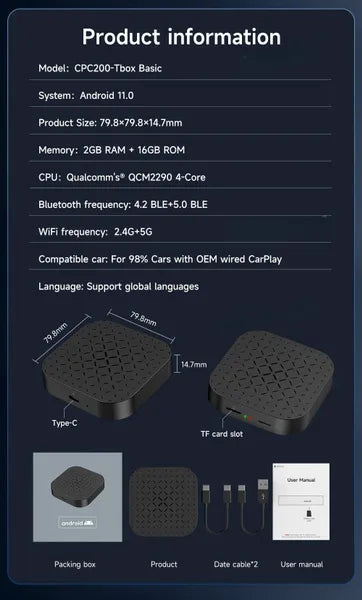
Already have wired CarPlay in your car? This compact AI box plugs into your car’s USB port and instantly upgrades it to wireless CarPlay, wireless Android Auto, and a full Android 11 entertainment system — all without touching your dashboard. Stream YouTube, Netflix, IPTV, TikTok and Disney+ directly on your car screen, or use your phone wirelessly via CarPlay or Android Auto. Powered by a Qualcomm QCM2290 Quad-Core processor with 2GB RAM and 16GB storage, it’s a cost-effective entry into the world of wireless in-car connectivity. Compact at just 79.8 x 79.8 x 14.7mm.
Important: Your car must already have factory-fitted wired CarPlay installed. This device does not add CarPlay to cars that don’t have it.
Why You'll Love It
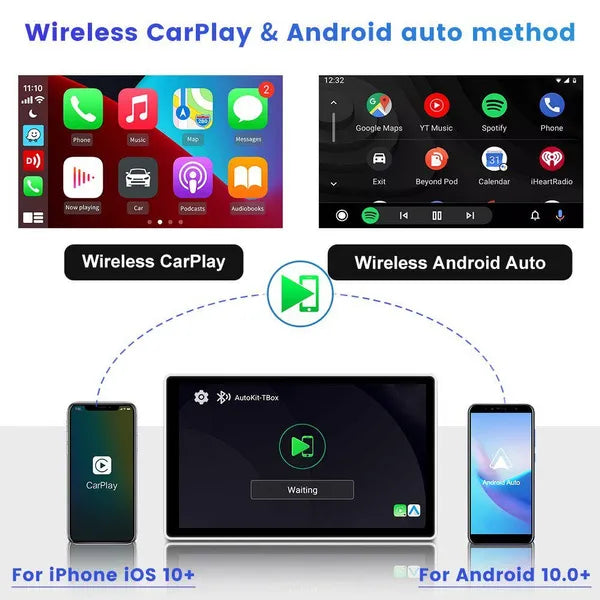
- Wireless CarPlay & Android Auto — No more cables; your phone connects automatically when you get in the car. iPhone iOS 10+ or Android 11+ required.
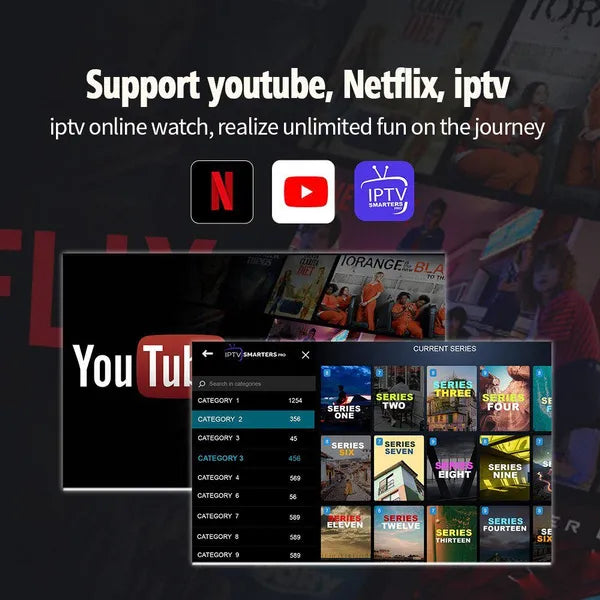
- Full Android 11 entertainment system — Access YouTube, Netflix, IPTV, TikTok, Disney+ and more directly on your car screen.
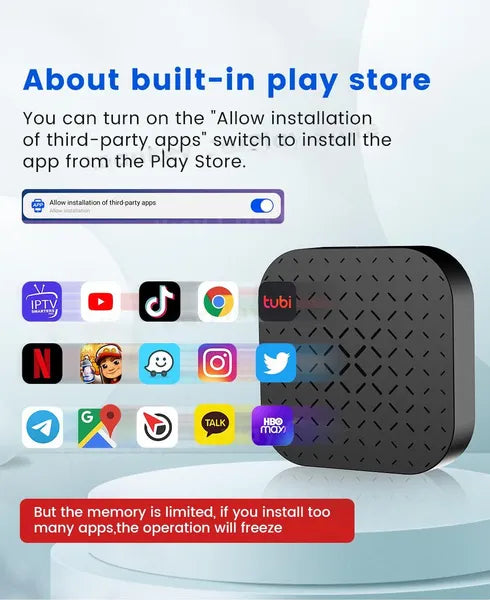
- Pre-installed mainstream apps — Ready to stream out of the box; install additional apps via the Play Store.
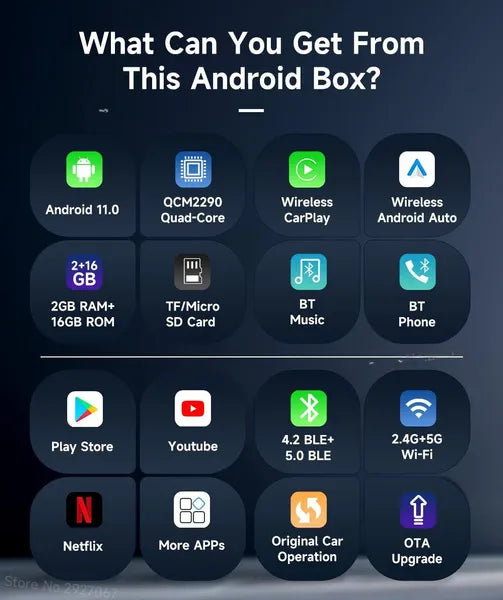
- Qualcomm QCM2290 Quad-Core Cortex-A53 CPU — Reliable, responsive performance for wireless connectivity and app streaming.
- 2GB RAM + 16GB ROM — Sufficient for wireless CarPlay/Android Auto use and everyday streaming apps.
- Dual-band WiFi: 2.4G + 5G — Connect to the faster 5GHz band for smoother streaming.
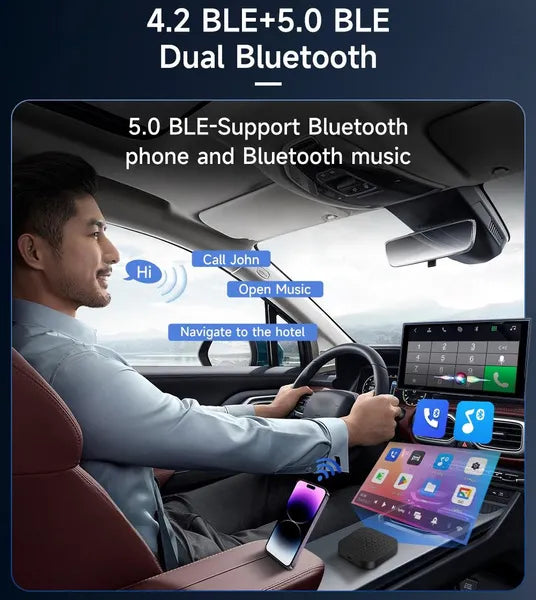
- Bluetooth 4.2 BLE + 5.0 BLE — Stable wireless connection to your phone.
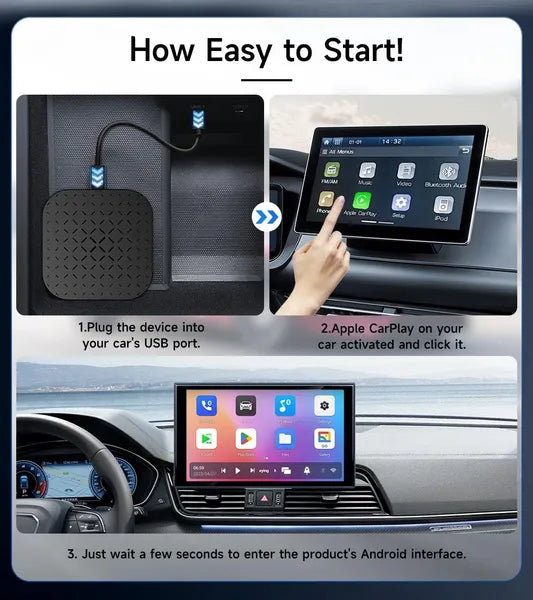
- Simple 3-step setup — Plug into USB port → tap CarPlay icon on car screen → wait a few seconds. Done.
- Compact design: 79.8 x 79.8 x 14.7mm — Discreet and unobtrusive; sits neatly behind your dashboard.
- Multi-language support — Arabic, Chinese, English, French and more.
How to Connect Wireless CarPlay / Android Auto
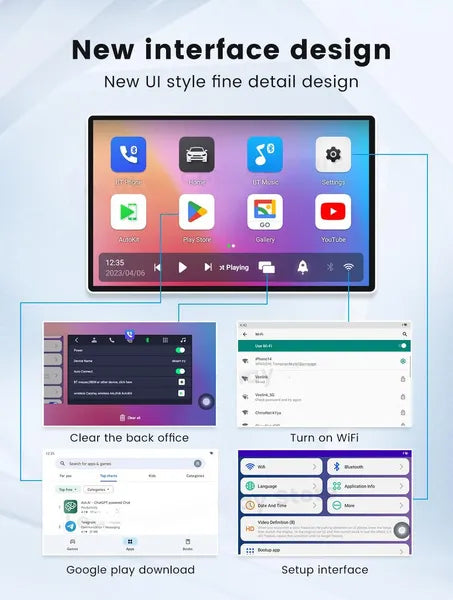
1. Open the "Autokit" app on the Android home page. 2. Enable Bluetooth and WiFi on your phone (no other devices connected). 3. Pair Bluetooth to the device and wait a few seconds — do not connect WiFi manually. The device handles the rest.
Specification
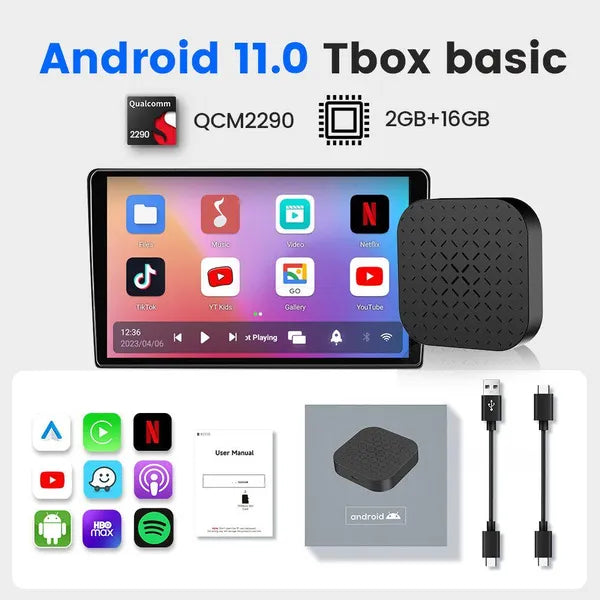
Model: CPC200-Tbox Basic | OS: Android 11.0 | CPU: Qualcomm QCM2290 Quad-Core ARM Cortex-A53 | RAM: 2GB | Storage: 16GB | WiFi: 2.4G + 5G | Bluetooth: 4.2 BLE + 5.0 BLE | Size: 79.8 x 79.8 x 14.7mm | Compatible: Cars with OEM factory wired CarPlay | Item Ref: SKU 270
Package Includes
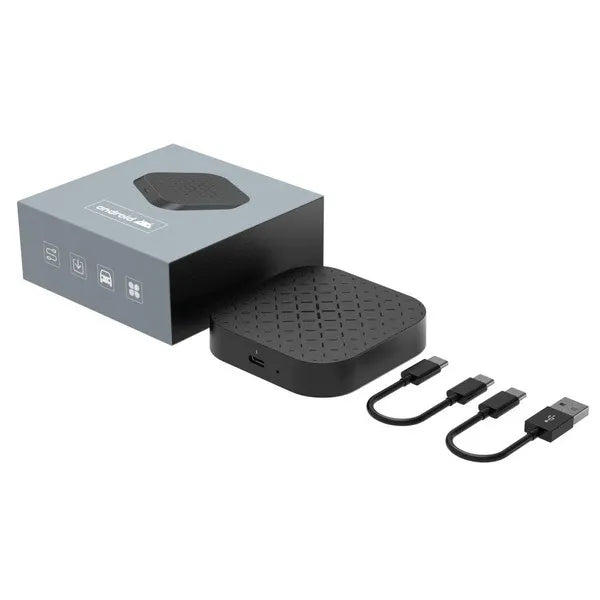
1 x CarlinKit CPC200-Tbox Basic AI Box